
Caido
Caido is a modern web security auditing toolkit that sits as an interception proxy between your browser and target web applications. The backend is written in Rust and the frontend in Vue.js, so it’s fast and light. You can use it through a browser-based GUI or the CLI.
It is installed by default in Parrot Security. If not, you can install it with:
sudo apt install caidoLaunching Caido
Section titled “Launching Caido”Start Caido from the Parrot menu under Applications > Pentesting > Web Application Analysis > Web Application Proxies > Caido, or run it from the terminal:
caidoThe Caido launcher will open, showing the Instances screen.
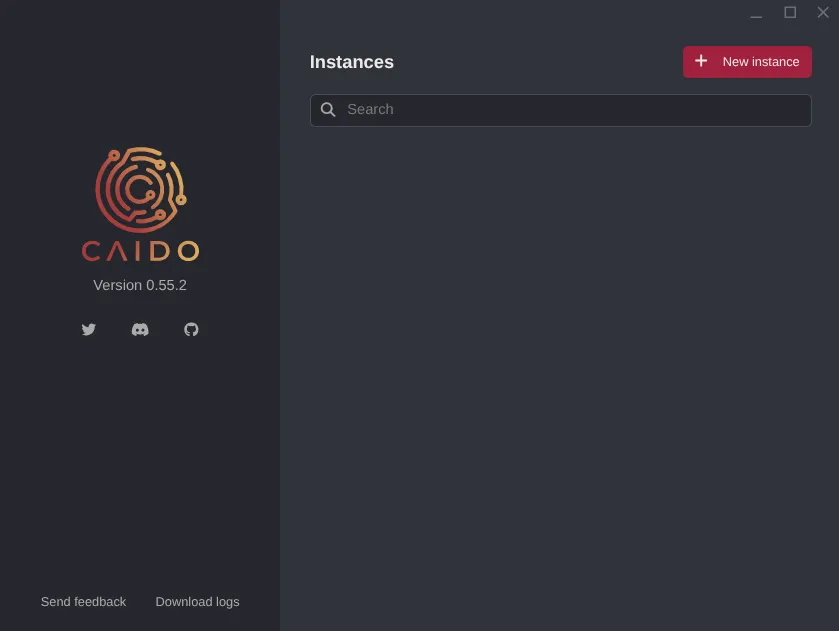
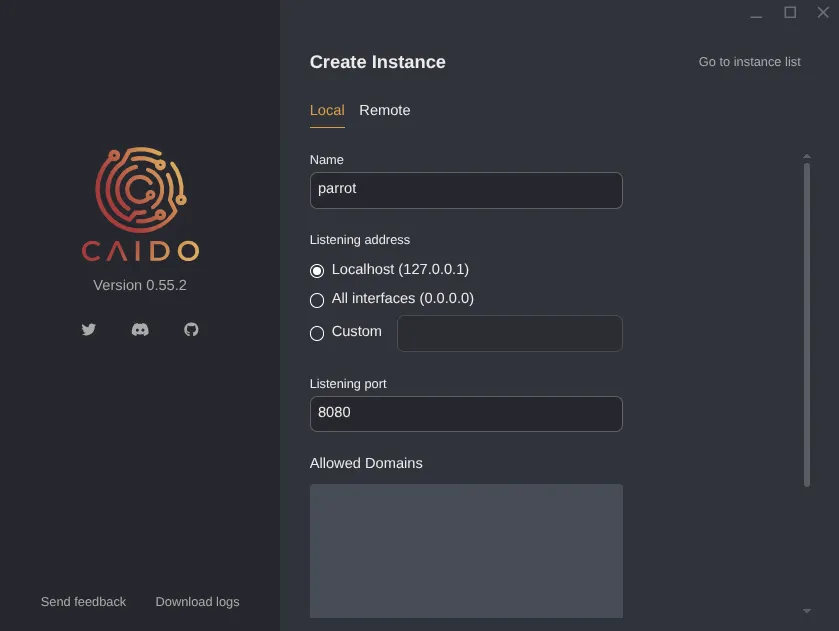
Click + New instance. Give it a name, set the listening address and port
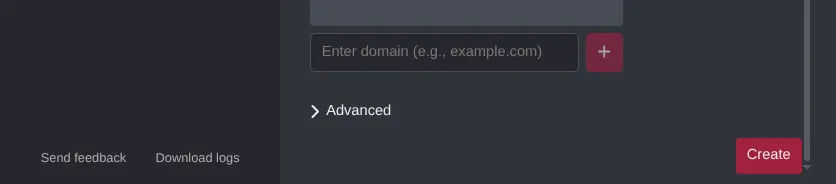
(the defaults — 127.0.0.1 and 8080 — are fine for local use), then click
Create.
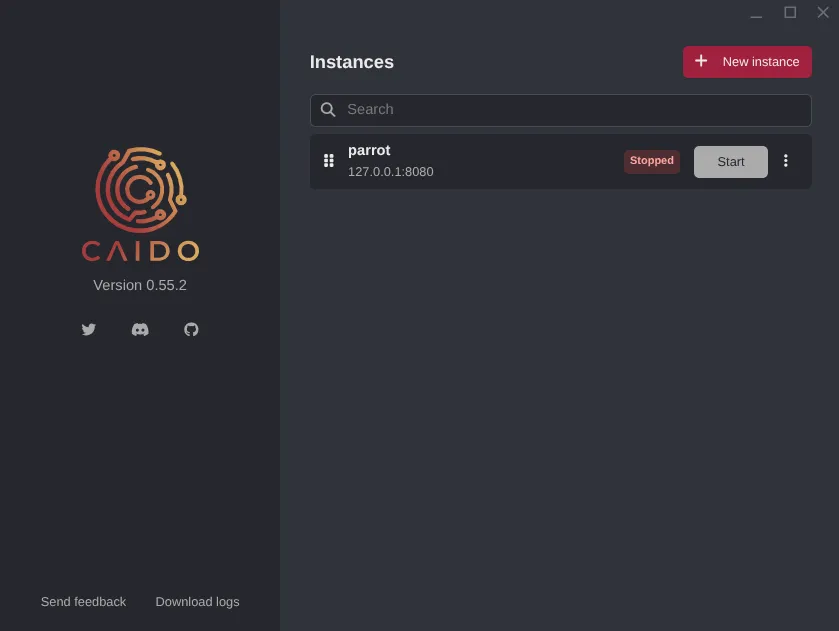
Your instance will appear in the list. Click Start to launch it.
Once it’s running, open your browser and go to http://127.0.0.1:8080.
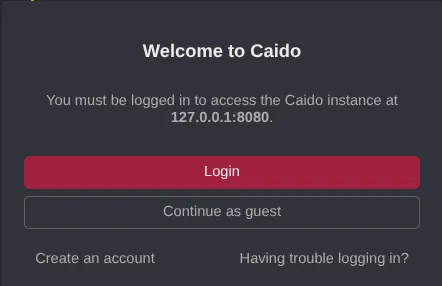
You can sign in with a Caido account or use Guest Mode to skip that.
CLI / Headless
Section titled “CLI / Headless”If you’re working on a remote server or just prefer the terminal, you can run Caido headlessly:
caido --listen 0.0.0.0:8080The web interface will then be reachable from any machine that can hit that address.
Browser Proxy Configuration
Section titled “Browser Proxy Configuration”For Caido to intercept traffic, your browser needs to send requests through it
(default: 127.0.0.1:8080).
The easiest way to manage this is with the FoxyProxy browser extension — it lets you switch the proxy on and off with one click:
- Install FoxyProxy Standard for your browser.
- Add a new proxy entry: Host
127.0.0.1, Port8080, Type HTTP. - Turn it on when you want Caido to intercept, turn it off for normal browsing.
CA Certificate Installation
Section titled “CA Certificate Installation”To see HTTPS traffic in plain text, you need to install Caido’s CA certificate in your browser:
- With the proxy enabled, navigate to
http://caido.localhost/in your browser. - Download the CA certificate from the settings page.
- Import it into your browser’s certificate store under Trusted Certificate Authorities.
Key Features
Section titled “Key Features”| Feature | Description |
|---|---|
| Proxy / Intercept | Intercept, inspect, and forward HTTP/S and WebSocket traffic in real time |
| HTTP History | Full log of all proxied requests and responses, searchable with HTTPQL |
| Replay | Resend and modify requests to test how the application responds |
| Automate | Automated payload injection across request parameters (similar to Burp Intruder) |
| Match & Replace | Rules to automatically transform requests or responses on the fly |
| Sitemap | Visual map of all discovered endpoints and application structure |
| Scope | Define target domains and paths to cut out noise |
| Workflows | Node-based automation for encoding, decoding, and data transformation |
| Plugins | Extend Caido with community or custom JavaScript plugins |
| HTTPQL | Query language built for filtering requests and responses |
| Projects | Separate workspaces per target to keep things organised |
How It Works
Section titled “How It Works”Caido sits in the middle of every request your browser makes. When you point your browser’s proxy settings at Caido, all HTTP and HTTPS traffic flows through it before reaching the server and all responses come back through it too.
That means Caido can:
- Read every request and response in plain text (including TLS traffic, once the CA cert is installed).
- Modify headers, bodies, parameters, and methods before forwarding.
- Drop or replay requests independently of the browser.
- Automate repeated requests with varying payloads to probe for vulnerabilities.
Because the backend is Rust, it stays lean on memory. The frontend runs entirely in the browser via Vue.js, so there are no native GUI dependencies to worry about.
Further Reading
Section titled “Further Reading”Caido has thorough upstream documentation covering everything in more depth:
- Official docs: docs.caido.io
- Source code: github.com/caido
- Community Discord: caido.io/discord